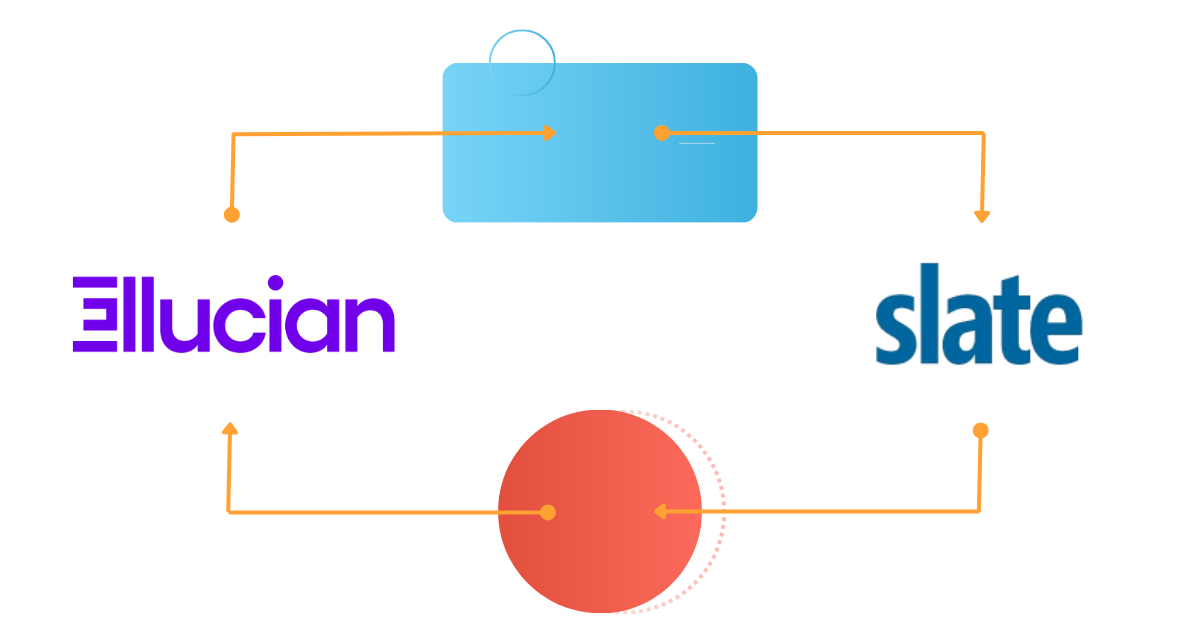
Connecting your Slate CRM to Ellucian Banner shouldn’t require manual file uploads, complex local infrastructure, or constantly tapping your IT department for deployment changes.
How the Slate to Banner Integration Works
Constituo acts as the intelligent bridge between Slate and Banner, translating and routing data precisely how your institution needs it.
·Bidirectional Data Flow: Push inquiries, test scores, and completed applications from Slate directly into Banner. Pull SIS data back into Slate to keep both systems unified.
·Low Entry-Barrier Customization: Constituo utilizes a familiar, simplified, C/Java-like scripting language, allowing your team to easily build out custom workflows and data field mappings without learning an idiosyncratic coding language.
· Little To No Local Infrastructure: Because Constituo is a 100% web-based iPaaS, you typically do not need to stand up additional local servers to manage the integration. Any local agent(s) installed would be lightweight brokers of data between your in-network resources and the Cloud.
·Built-in Dev & Prod Environments: Write, test, and QA your integration in Constituo’s built-in test environment, and promote it immediately to production—drastically reducing deployment timelines.
·100% Ellucian SaaS Ready: Using Ethos Data Models and BPAPI, Constituo transparent delivers the same integration value that we deliver to on-premise customers.
The Business Value: Stop Manual Processing
When admissions and registrar teams are forced to manually review and enter applications, it leads to staff burnout and data silos. Constituo automates this workflow entirely. Through Constituo Unite, your staff can easily review batches to ensure data is processing correctly.
The system is designed for exception-based processing. Once running, applications flow from Slate into Banner automatically; your staff is only notified if a specific record requires attention or triggers an error, reducing daily interventions to a handful of records rather than hundreds.
Case Study Spotlight: SUNY Suffolk
SUNY Suffolk needed a solution to manage their admissions and non-degree applications between Slate and Banner. After deploying Constituo, they transformed a skeptical registrar’s office into enthusiastic advocates.
“Applications flow from Slate into Banner with little to no involvement from the staff. It frees them up to do other things… They really do love it and it makes their jobs easier.”
Ed Champ, IT Specialist, Enterprise Applications, SUNY Suffolk
Can Constituo handle custom fields between Slate and Banner?
Yes. Constituo’s mapping tools and Java-like scripting allow institutions to map standard objects (like demographics and transcripts) as well as highly customized enrollment fields specific to your campus.
Do we need our IT department to deploy changes to the integration?
Constituo reduces the burden on IT. With built-in test and production environments in a web browser, your integration managers can test and deploy changes directly within the platform without waiting on infrastructure teams to compile code or update local servers.
What happens if an application fails to sync from Slate to Banner?
Constituo features exception-based reporting. If a record is incomplete or hits an error during the transfer to Banner, the system automatically flags the specific record and notifies your team for review, while the rest of the batch continues to process seamlessly.
We are planning to migrate to Ellucian SaaS. How hard it is for your integration to go from on-premise to SaaS?
We build our new integrations through Ellucian Ethos. This means your integrations will continue to work post-migration. If you are an existing customer with a non-Ethos integration solution, our Services team will work with you on a transition plan.
What our clients say
“I’m very impressed! We use Constituo to push data from our Slate system to Banner and it’s nice to see a product that can provide and easy-to-use tool for a functional department like Admissions.”
– Manager, Application Development, Rockhurst University